Dragon Fury Guides: Games, Login, Slots and Mobile
Find games and providers, open the right account, check payments and balances, or follow mobile and support instructions.
Find game titles, compare providers, and get clear help with accounts, payments, balances, and mobile access.
Find games and providers, open the right account, check payments and balances, or follow mobile and support instructions.
Understand your main Dragon Fury wallet, separate game balances, transfer confirmations, provider returns, and cash redemption requests before moving funds.
Find the right provider, game edition, live lobby, and account guide.
Find the current participation rules, eligibility information, redemption guidance, and support links before you begin.
Understand the website before your first visit.
Find the exact provider and game edition using our website’s own catalogue.
Separate the brand name from individual games.
Pinpoint a launch problem before trying again.
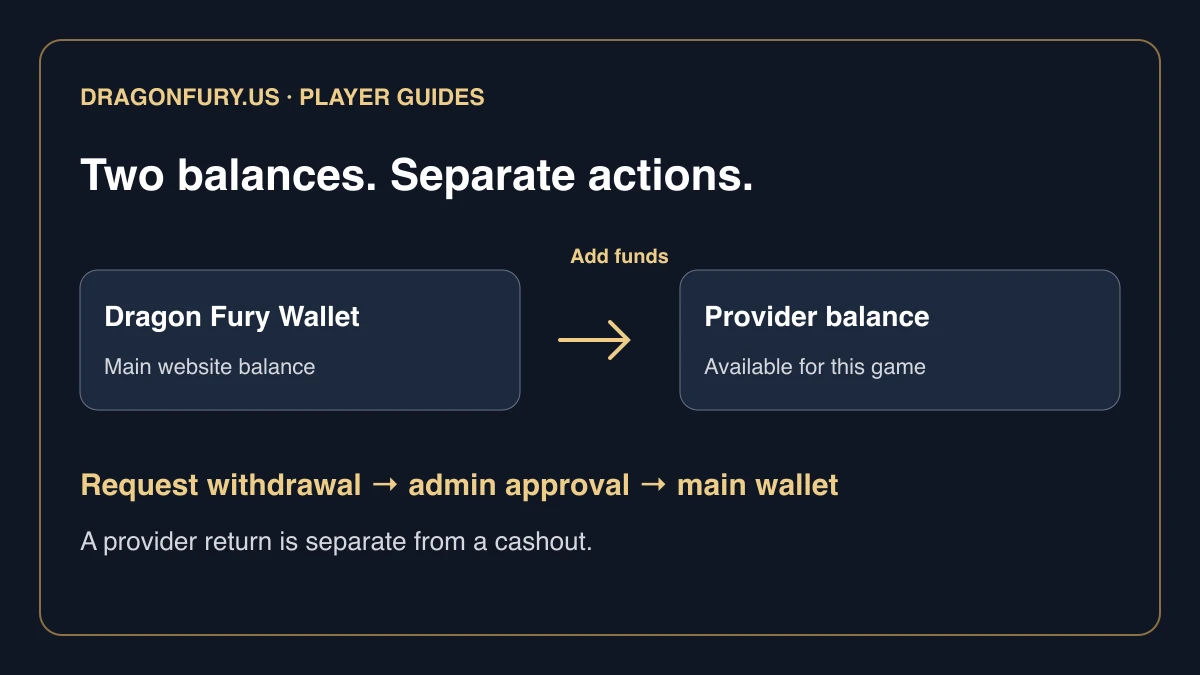
Understand the two balances in a game preview and follow provider transfers or return requests.
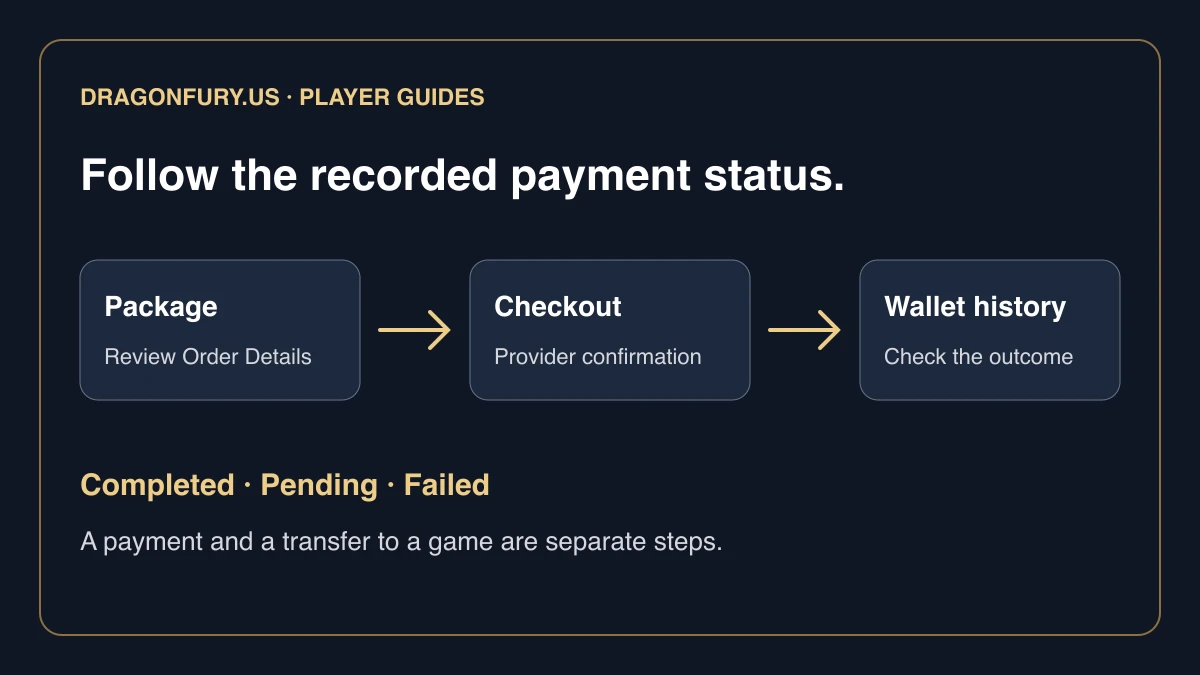
Review packages and checkout, identify the recorded outcome, and avoid repeating an unclear payment.
Learn how to find Juwa on Dragon Fury, use the right game login, check its separate balance, and handle account or transfer problems without duplicate requests.
Find Orion Stars on Dragon Fury, distinguish website and game credentials, check the correct balance, and resolve launch issues without repeated transfers.
Set up GameVault through Dragon Fury, keep its login and balance separate, and learn what to check before adding funds, opening games, or requesting a return.
Use the Fire Kirin card on Dragon Fury to manage game access, distinguish setup from funding, and respond safely to busy-provider or balance error messages.
Find Ultra Thunder in Dragon Fury, use its own game credentials, check account and balance status, and troubleshoot launch problems one step at a time.
Milky Way is live on Dragon Fury. Learn how to find its platform card, follow account setup, check game balances, and get help with login or transfer issues.
Find the Dragon Fury game, understand the difference between dragonfury.club and DragonFury.us, and follow the steps for account access, launch, and transfers.
Find individual games in Dragon Fury using search, provider filters, sorting, and favorites, then check the selected game's preview and current access status.
Looking for your Dragon Fury account? Learn how to check the website address, choose the right login, and avoid sharing credentials with the wrong site.
Troubleshoot Dragon Fury sign-in problems with a practical checklist covering the website address, saved credentials, loading issues, and useful support details.
Choose the right platform, identify the title, and check the account and balance you need.
Prepare a clear Dragon Fury support request with the right error details and redacted screenshots, without exposing passwords or verification codes.
Access Dragon Fury through your phone browser. Learn which login to use, how to open the game, and what to check if a mobile tab or launch does not work.
Understand the public VBlink to Dragon Fury notice, what remains unconfirmed about old logins and balances, and where to get help with your existing account.
Dream Gaming or DreamTech?.
Baccarat names to compare before opening.
Olympus and Mega Roulette: keep the complete name.
A lobby error and a missing room need different reports.
What the supplier directory can—and cannot—tell you.
More PGSoft names in this selection.
Browsing the Hot Hot family.
Finding a name despite its capitalisation.
Ampersands, punctuation and the separate 3Oaks card.
Prince Treasure, Eggstra Cash and other search clues.
What Fish And Cash does not tell you.
A broad search followed by a precise choice.
When a short catalogue returns no match.
Diamond Flash versus Diamond Phantom.
When a familiar name appears in another catalogue.
Sequel numbers in the FaChai list.
X-Huge and other named editions.
Other 3Oaks titles and the Booongo boundary.
A shared title under TADA is a separate selection.
Why a studio announcement may use another name.
Sunny Fruits 2 and the other full names.
Storm of Seth 2 and Fortune Garuda 500.
Dead Canary and other distinct titles.
Rabbit, Captain and the full card identity.
Storm of Seth without the sequel number.
What Golden 777 actually identifies.
Jumboways, numbered names and the Amusnet card.
Keep the Amusnet catalogue separate.
Numbers and Dice in other Novomatic entries.
A cricket title is not a sportsbook label.
Book Of Aztec with and without the suffix.
Dragon Gems Clash and Tiger Boom.
Magic Eggs and Jackpot Builders are catalogue titles.
The 100 suffix across different families.
Ladies Nite, Carnaval and exact spelling.
When two cards have the same display name.
Megaways and the rest of the title.
Access help, not a timing system.
Read the selected game’s controls.
Mine Slot is not the Spribe Mines entry.
Reporting a lobby problem or a missing event.
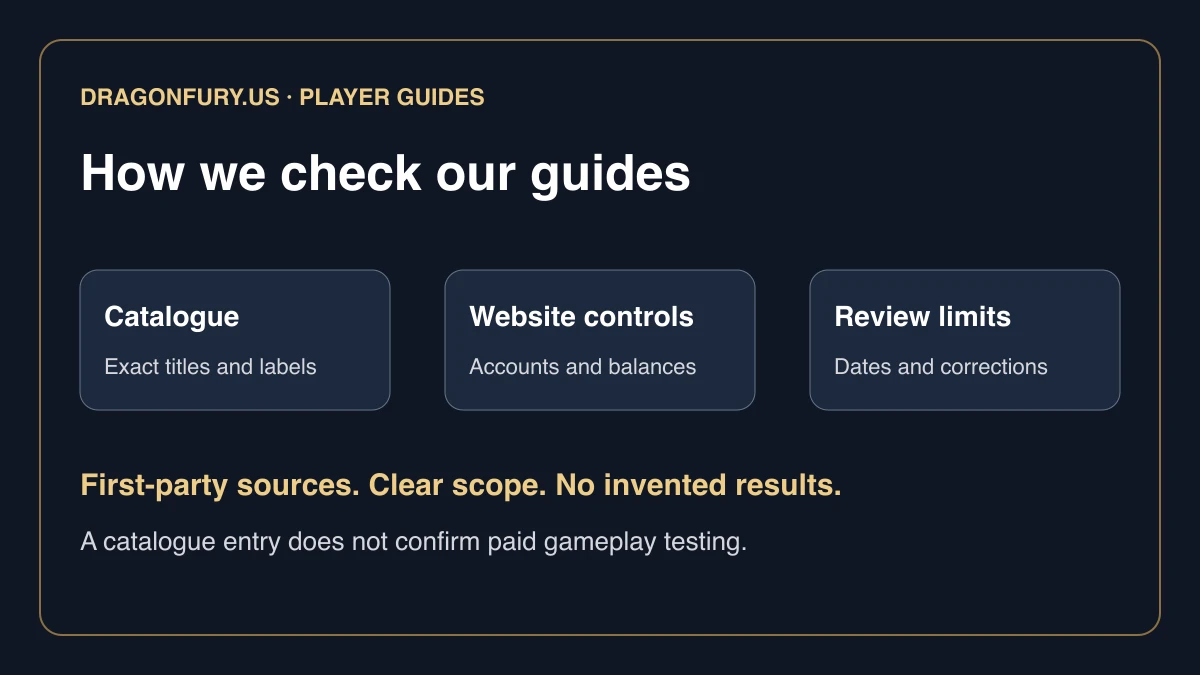
Our catalogue sources, check dates, review method, authorship, and corrections process.